An Evernote alternative that takes your notes with you.
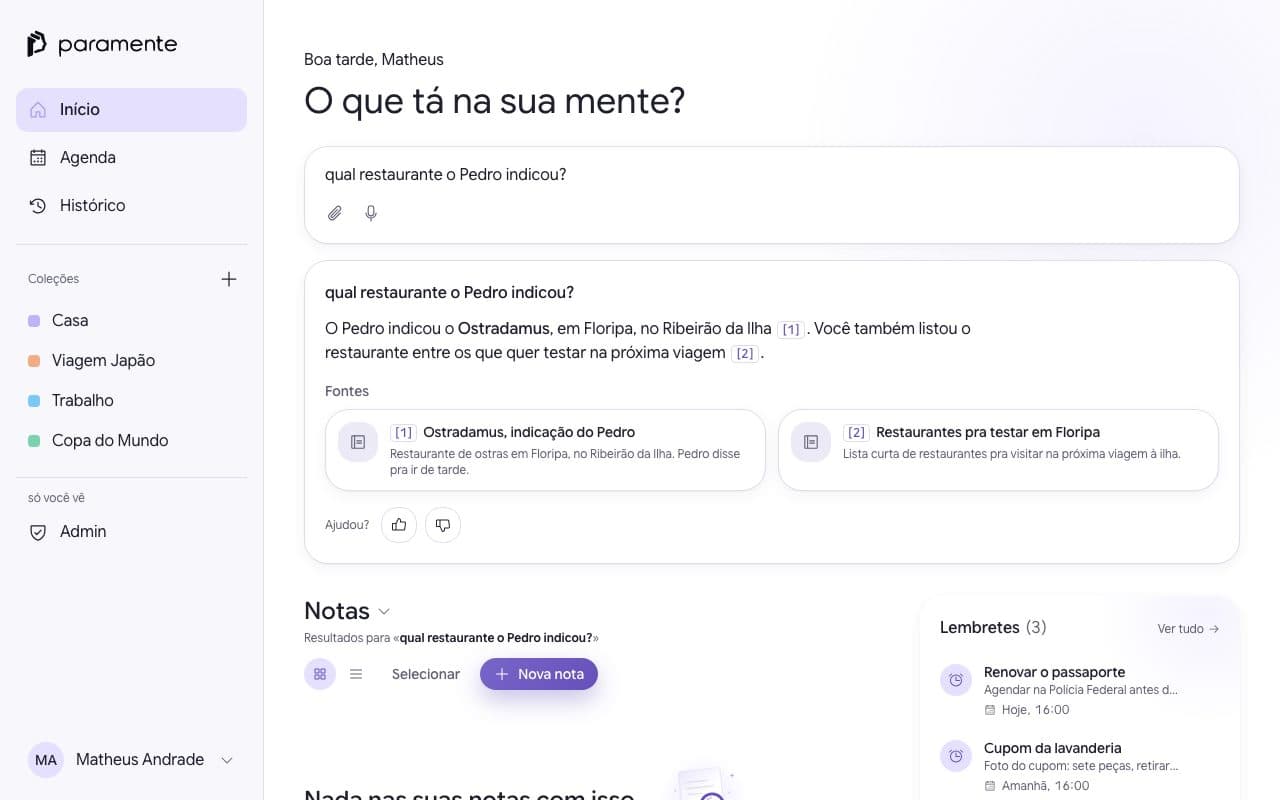
Export your notebooks, upload the file, and ask your notes anything. Every answer shows where it came from.
No cap on notes. Your file is deleted when the import ends.

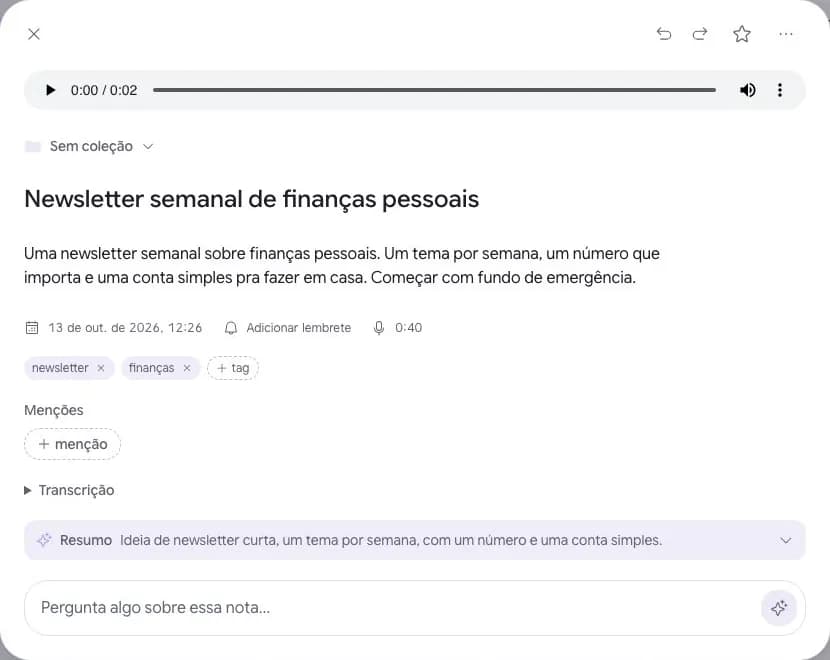
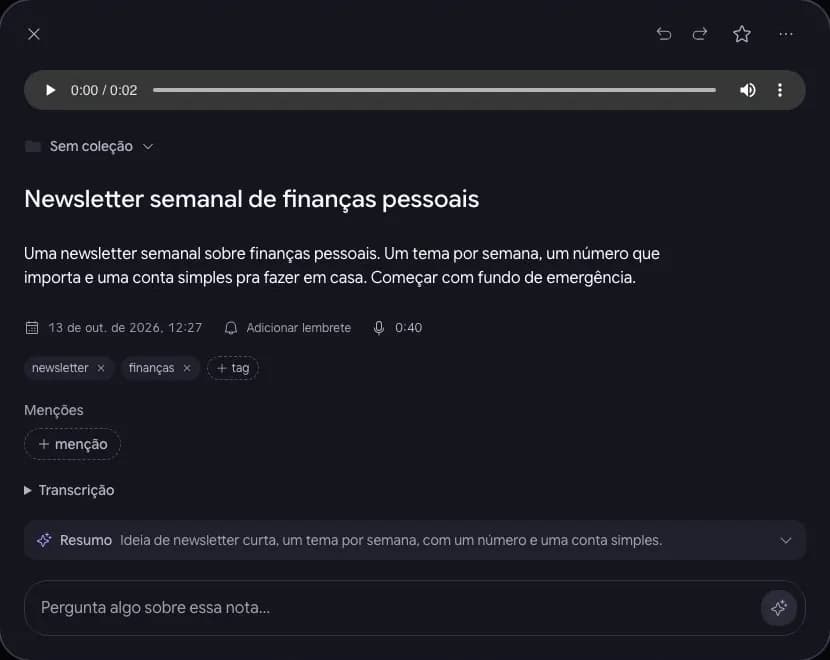
To leave Evernote without losing your notes, export each notebook from the desktop app as an ENEX file and upload it to Paramente. Text, tags, dates, images and audio come across, each notebook becomes a collection, and you can undo the import. After that, you ask your notes and get an answer with its source.
Updated October 29, 2026. Written by the Paramente team, who also make the app: this page compares our product with another one.
How to export your Evernote notes and import the ENEX file
It takes three steps and a few minutes: export the notebook as ENEX, upload the file, then ask. Only the file size differs from person to person.
- 1
Export the notebook
In the Evernote desktop app, open the notebook and export it as ENEX. Only the desktop app exports; the web version does not. For a big notebook, export one at a time.
- 2
Upload the file to Paramente
Sign in to Paramente in your computer's browser, open Account > Import notes and drop the file. It is free. You see a summary before you confirm, and you can undo everything afterwards.
- 3
Ask
Your notes turn into answers with the source next to them. Ask for what you remember, not for where you filed it.
What comes across and what doesn't
The import brings what you can read and search later. Anything left out shows up in the note as a one-line warning, so you know where it was.
| Comes across | Left out |
|---|---|
| Text and formatting | PDFs and Office files |
| Task lists, with checked items | Encrypted text |
| Tags, created and edited dates | Notebook stacks (each notebook becomes a collection) |
| Images, audio and links | Evernote reminders |
Importing does not delete anything in Evernote.
Your file is deleted when the import ends. You can undo everything.
What does it cost to move from Evernote to Paramente?
Importing costs nothing. Paramente puts no cap on how many notes you keep, even on the free plan.
| What to compare | Paramente | Evernote |
|---|---|---|
| Notes on the free plan | No note cap | 50 notes |
| Paid plan, per year | $49.99 on Pro | Starter $99.00; Advanced $249.99 |
| Note limit on the paid plan | No cap | Starter: up to 1,000 notes |
| Ask your notes, with the source | Yes, with a monthly allowance on Free and none on Pro | check evernote.com |
| Android, iPhone and web | Android and iPhone; on the web, importing is free | check evernote.com |
Evernote prices checked on October 29, 2026, at evernote.com/pricing. evernote.com
How we compare: Paramente figures come from our pricing page and Evernote figures from evernote.com on the date shown. The import behavior was tested with a sample ENEX file.
Exporting is always free, and we never cap your notes.
When does it make sense to stay on Evernote?
If you keep a lot of PDFs and Office files inside your notes, clip the web all day with the Web Clipper, or share notebooks with a team, Evernote still covers that better than Paramente does today. Paramente fits better when you want to find what you wrote by asking, on any phone, with no cap on notes.
On your computer and on your phone, the same features
Import on a computer and use the notes on your phone, for free. Cited answers, collections, tags and reminders work the same on Android, iPhone and the web.



Frequently asked questions
How do I export my notes from Evernote?
Open the desktop app, pick the notebook and choose Export notebook, format ENEX. The exact steps change with the app version.
My ENEX file is over 100 MB. What now?
Export one notebook at a time, or split by size in the export options. Each file becomes one import.
What happens to PDFs and attachments?
Text, images and audio come across. PDFs and Office files are left out, and the note shows a line saying where the file was.
Do you use my notes to train AI?
We do not use your notes to train AI models. None of the processors that handle the content uses it to train, except DeepSeek, whose policy says it may use what it receives to improve its models. The full list is in the Privacy Policy.
Can I undo the import?
Yes. One tap deletes every note from that import. Evernote stays as it was.
How much does importing cost?
Nothing. Importing is free for everyone and does not use your plan allowance.
Which Evernote apps can export?
The desktop app, on Mac and Windows, exports. Evernote on the web does not.
Is there a note limit, and what if I have thousands of notes?
Paramente does not cap how many notes you keep. Each import takes up to 100 MB per file and 25,000 notes. With one file per notebook, thousands of notes go in over a few imports.

Take your notes with you today.
Importing is free and you can undo it. Your Evernote stays as it is.